 SAFEER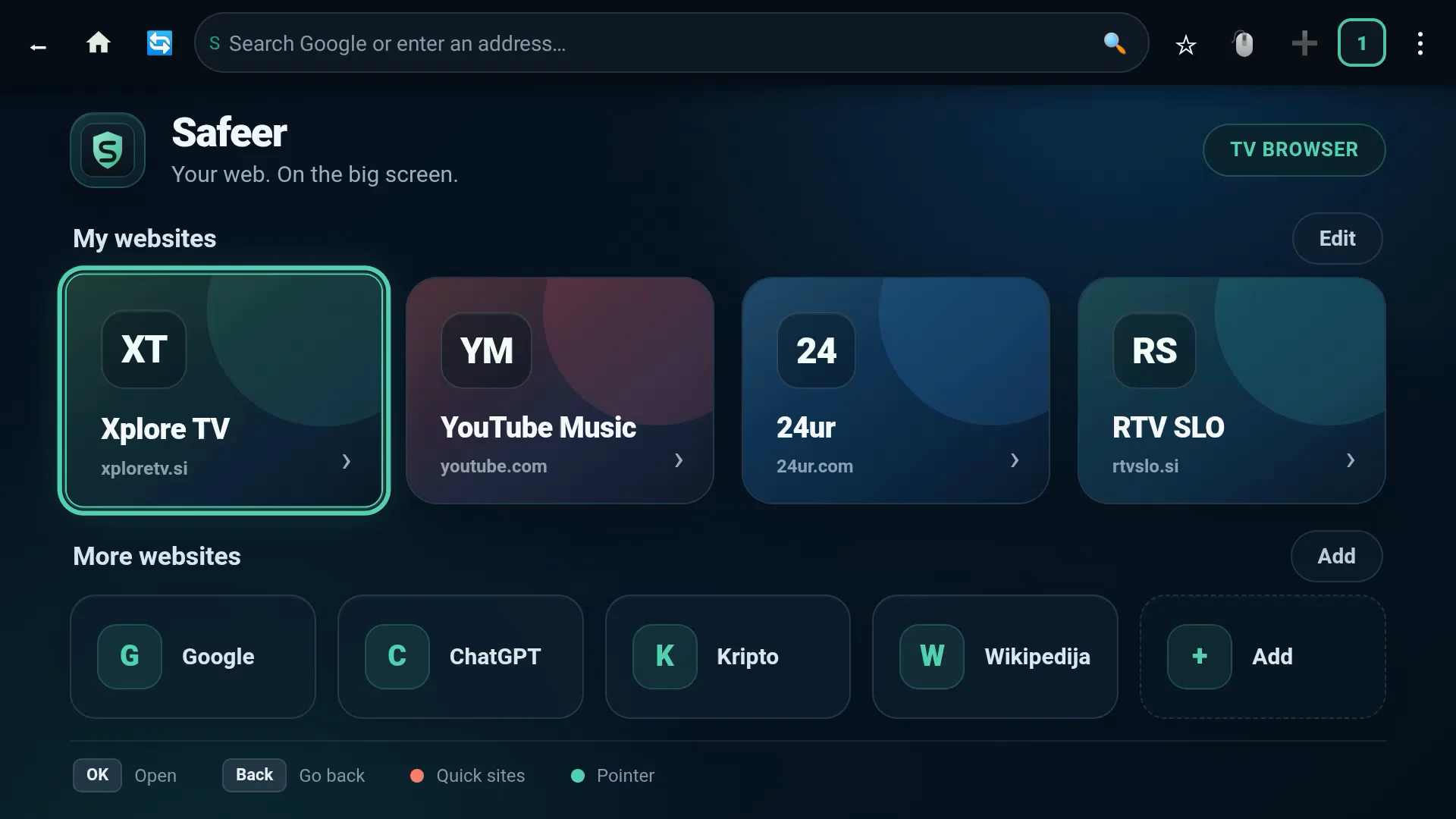
Key benefits
- Precise D-Pad navigation: Reliably move one poster at a time (tested on large film and series catalogs), without skipping rows or unwanted zooming.
- Comfortable remote control: Menu bars and dialogs are fully accessible with directional keys and the OK and Back buttons.
- Powerful Media3 video engine: Built-in support for modern video streams (DASH, HLS) for smooth playback on the big screen.
- Official TV banner: A high-resolution landscape banner that fits naturally into the Android TV launcher without distorting the icon.
- Safeer Link: Pages, text, files and screens sent from your phone or computer open on the big screen, and the TV can send its page or text back. Start on whichever device is at hand. Pairing with a 6-digit code, home network only, no cloud, no account.
- Remote control from your phone: In Safeer Link on the phone or computer, tap the TV and choose Remote: voice commands, keys, volume, the TV’s apps with icons and a screenshot of the screen. Nothing extra to install on the TV.
- PDF documents: Open in the browser and read with the remote: up and down scroll, left and right turn pages, up at the top of a page reaches search, zoom and save. Nothing goes to the cloud.
Tested performance
Tested and verified on UHD televisions running Android TV 11. Designed for TVs, projectors and TV players running Android TV 9 or later.